Sensor Flip
Flip the image at the sensor. Horizontal and Vertical can be enabled independently or together.
Set the orientation
- Stop acquisition and recording.
- In DVS Viewer, open Sensor Settings → Sensor flip.
- Enable Horizontal, Vertical, or both, then start acquisition again. Disable both to return to the original orientation.
Sensor settings · Sensor flip
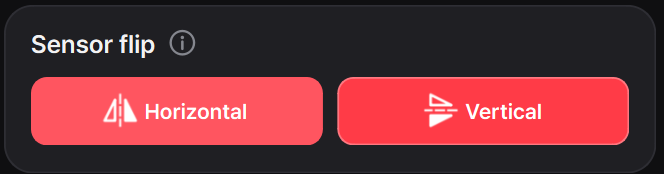
These are sensor-output changes: the display and all saved data, including RAW, use the selected orientation. The separate flip controls under Display Settings change only the displayed image.
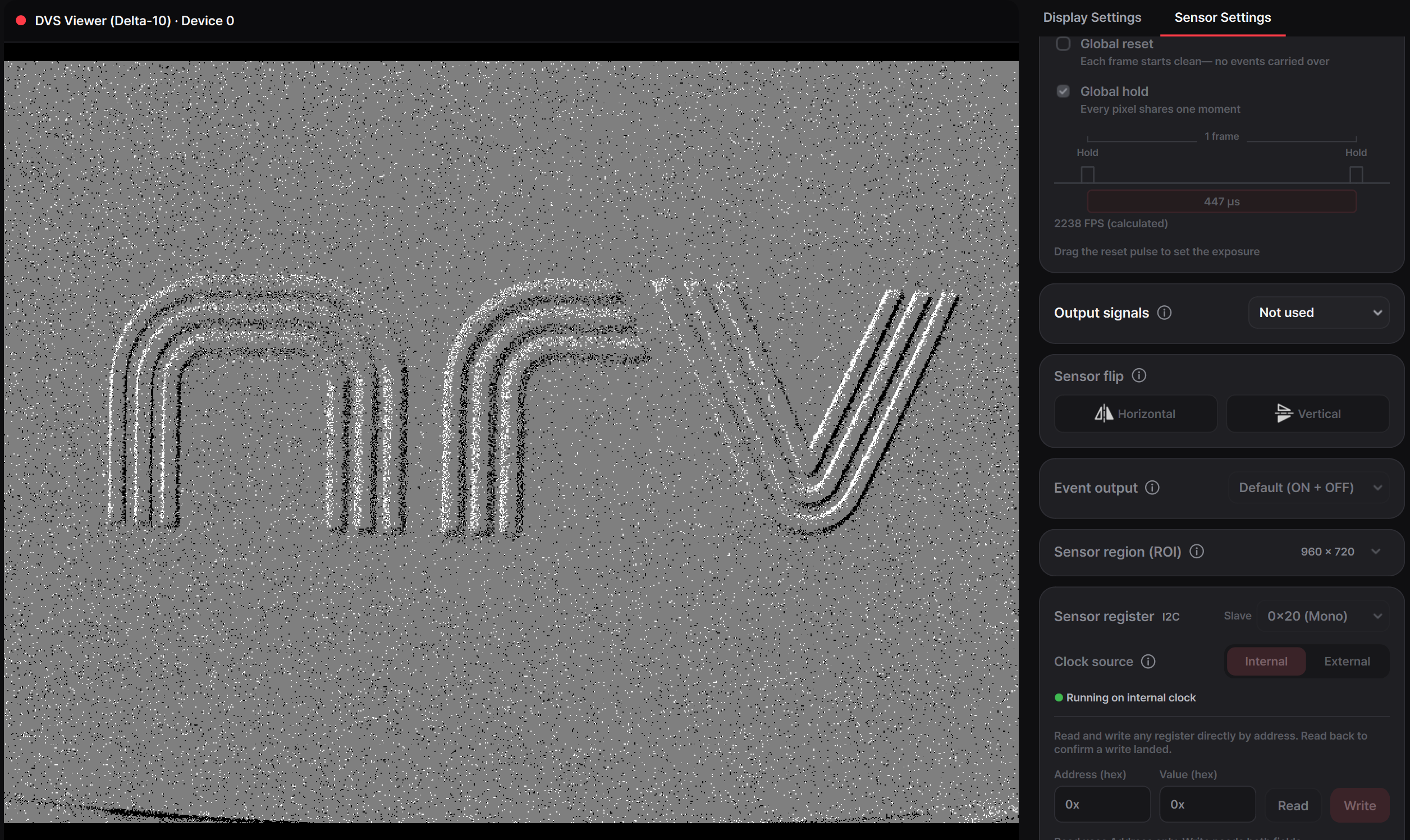
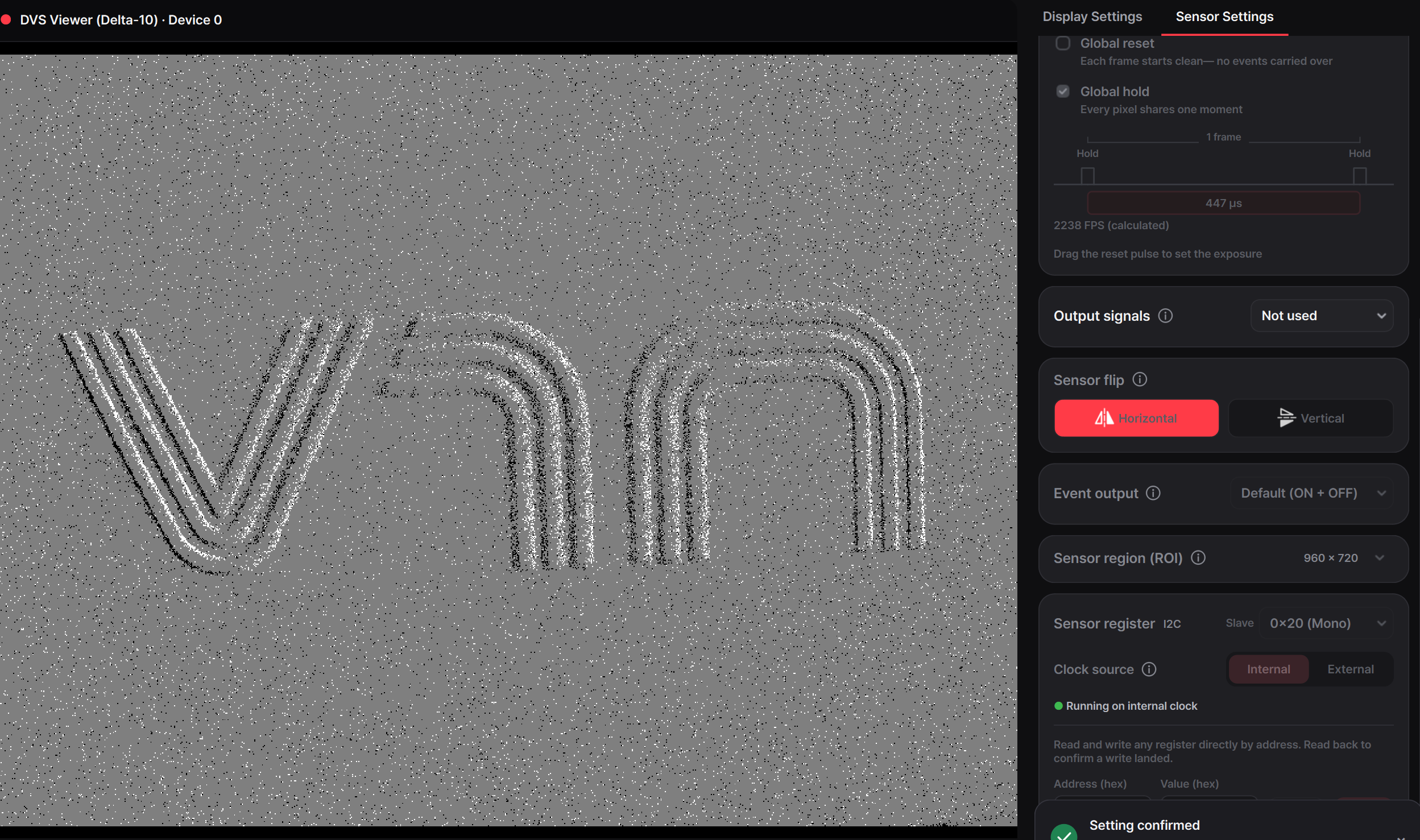
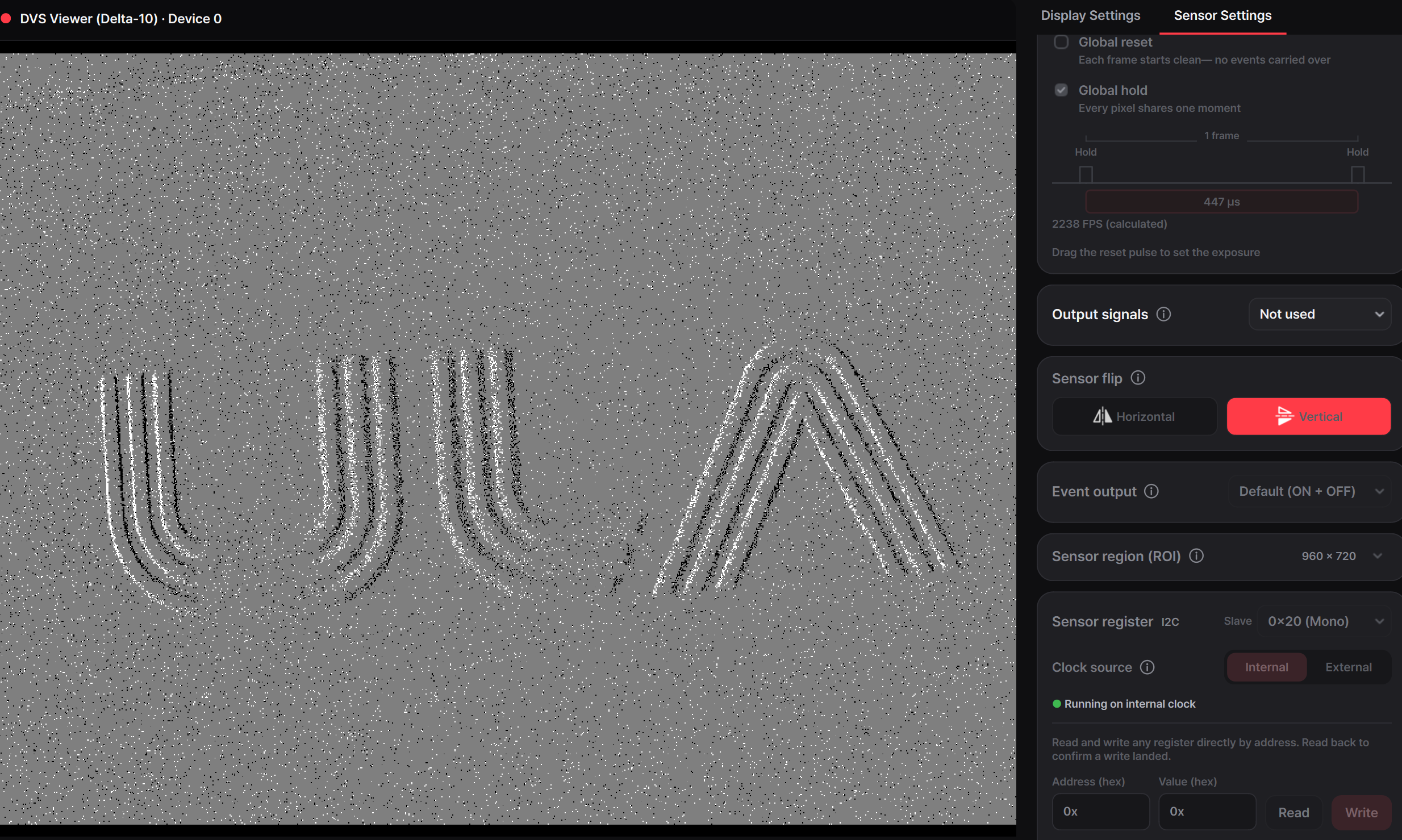
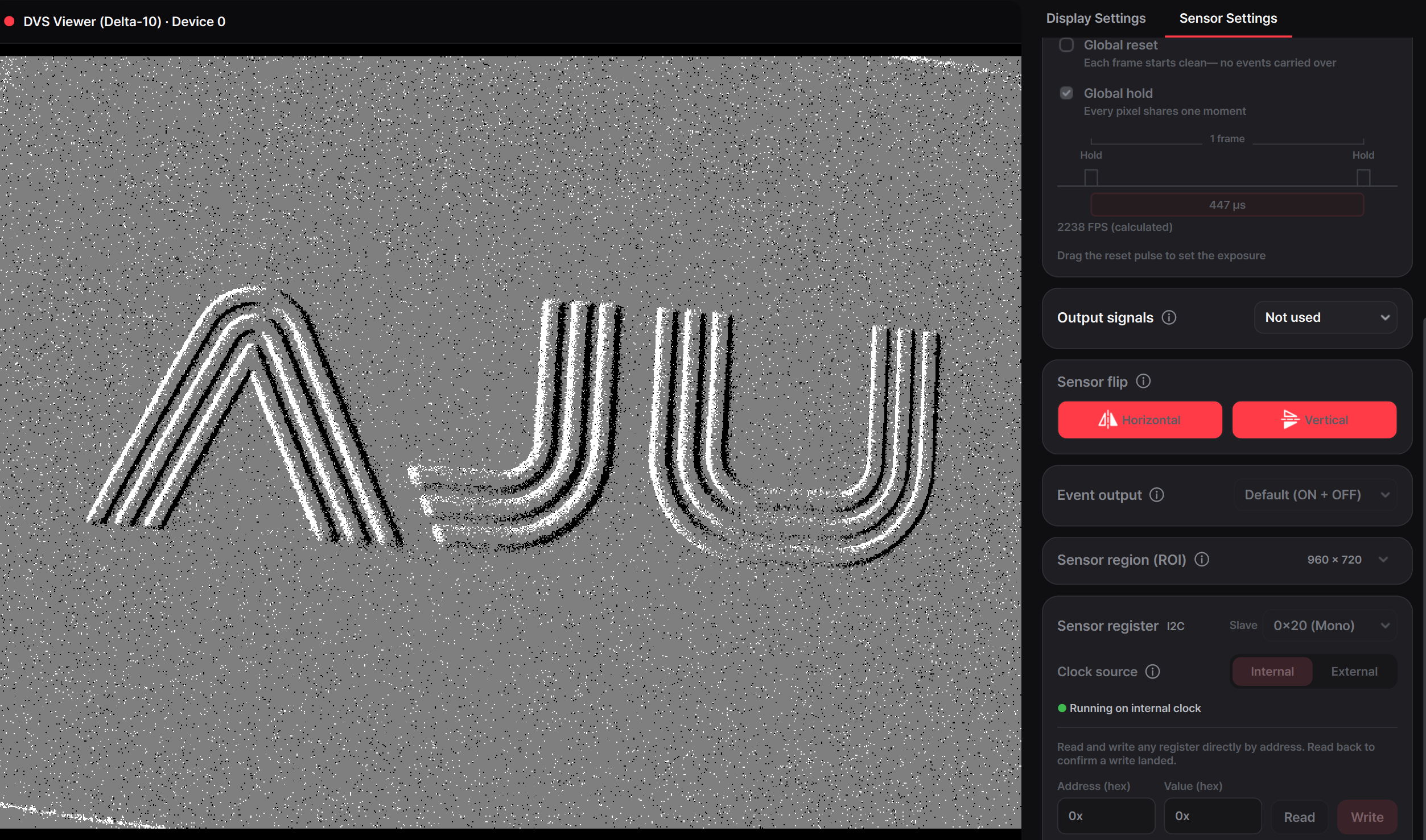
Compare the four states
The names identify the axis of reflection: Horizontal flips across the horizontal axis, Vertical across the vertical axis. Enabling both produces a 180° rotation.